
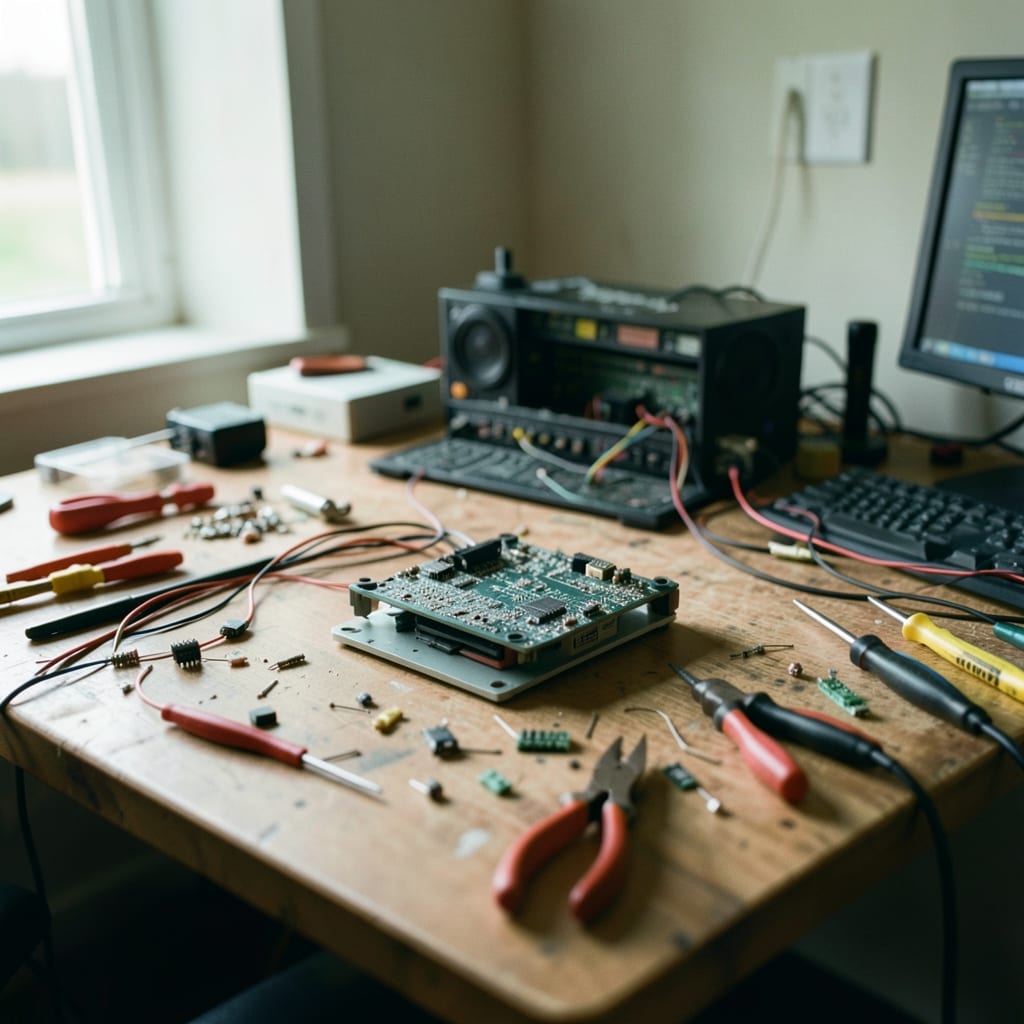
What this site is
This site is for anyone who’s stared at a frozen screen, a flashing error code, or a program that refuses to open—and still needs to get something done. It’s for the person who Googled a problem for the third time but keeps landing on outdated advice or forum spam.
Here, we focus on the fixes that work today, the tools that actually help, and the steps that skip the guesswork.
You’ll find guides for Windows, Linux, and macOS; troubleshooting for hardware and software; and clear walkthroughs for everyday tasks that somehow always go sideways. No fluff, no ads pretending to be answers, and no ‘try this if it works’ nonsense. Just the steps you need, in the order that matters.
| What you will find here | What you will not |
|---|---|
| Step-by-step fixes for BSODs and driver crashes | Generic ‘reinstall Windows’ advice |
| Linux terminal commands with real-world examples | Theoretical manual pages |
| Productivity tips that actually save time in Outlook | Vague ‘learn to type faster’ guides |
| Hardware diagnostics for dead USB ports or failing SSDs | ‘Buy a new device’ workarounds |
Meet the cook

Cecilia Vasquez is the one who still flinches when a system reboot takes longer than 30 seconds.
A day in the life of a troubleshooter
- 15:40 a.m.
I’m in the kitchen, sipping coffee while my laptop boots up for the first time in 12 hours. The screen flickers—again—and I mutter at the BIOS update that’s *supposed* to fix the GPU glitches but somehow makes them worse. The toaster, at least, works fine. That’s something.
- 2Just after the school run
Back at the desk, I’m testing a script to automate Windows updates when the command prompt freezes mid-execution. No error message, just a blank screen. I’ve seen this before: it’s the same bug that hit a reader last week, but this time, the fix doesn’t stick. I jot down ‘check Event Viewer logs’ and move on, because the coffee’s cold now.
- 3The hour before dinner
I’m drafting a guide for fixing a corrupted Outlook PST file when my own Outlook crashes—*again*—because I left a backup file open in the wrong directory. The error code is the same one I’ve written about three times this month. I save the draft, close every instance of the program, and vow to test this in a VM next time. (I won’t.)
- 49:17 p.m.
Finally, I’m reviewing a reader’s screenshot of a ‘blue screen of death’—only to realise it’s not Windows at all, but a Linux kernel panic. I spend 20 minutes scrolling through my notes before I admit: I don’t know this one. I flag it for a follow-up and open a terminal to check my own system logs. At least the Wi-Fi’s stable tonight.
- 5Midnight
The last fix of the day is supposed to be simple: a script to rename duplicate files in bulk. It works—until it doesn’t, because one of the test folders has hidden characters in the filenames. I spend 10 minutes cursing at PowerShell before I remember the `-LiteralPath` flag. The script runs. I go to bed, already planning tomorrow’s ‘hidden character’ guide.
I keep a notepad next to the keyboard with three things written on it: *‘Never trust a driver update from a pop-up,’* *‘If it worked before, the problem isn’t the hardware,’* and *‘Screenshots lie.’* The last one’s a reminder that half the time, the issue isn’t what the error says it is.
The rules we hold ourselves to
These are the lines we won’t cross—not because they’re easy, but because breaking them makes the site worse for everyone.
If a problem has a 1% chance of ruining someone’s day, it gets a guide. That’s why you’ll find 20 ways to recover a lost Word document but only three for formatting a PowerPoint slide—because losing your work is the ‘oh no,’ and the rest is just frustrating.
This rule has cost us sponsors, backlinks, and a few angry emails. But telling someone to ‘reinstall Windows’ when their issue is a corrupted registry key doesn’t help them—and it makes us look like we didn’t read the problem carefully. If the fix *is* a clean install, we say so. Otherwise, we dig deeper.
What we still get wrong
We’re still bad at explaining *why* certain errors happen—the ‘root cause’ section is always the first thing readers skip, and we haven’t figured out how to make it useful without turning it into a PhD thesis. We’re working on shorter, sharper explanations that don’t assume prior knowledge.
Our Linux coverage is inconsistent because I don’t use it full-time, and the guides show it. We’re fixing this by adding a second tester who runs Ubuntu daily, but it means some articles take twice as long to publish—and a few get delayed entirely.
How to reach us
We like hearing about the fixes that worked when ours didn’t, the errors we missed, and the tools you’ve found that actually solve problems.
If you’ve spotted a mistake or have a tip to share, the contact page is the place to tell us—no email addresses, no forms, just a simple way to get in touch.
The guides are grouped by category: App, Coding, Hardware, Operating System, Outlook and PowerPoint.