
Software
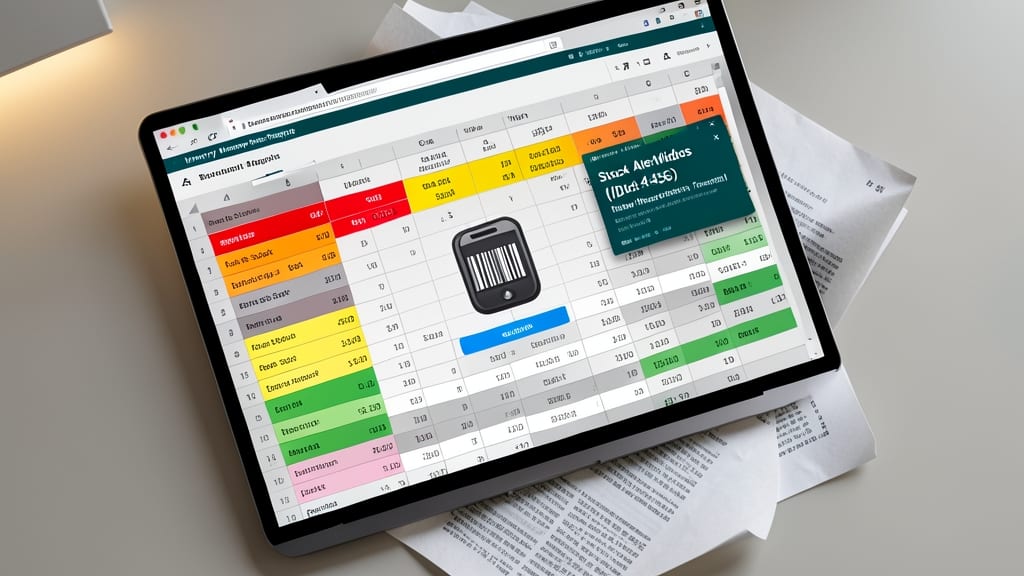
Running a small business on a budget? These 10 free Excel templates solve common productivity challenges—from invoicing to inventory—without requiring advanced spreadsheet skills or costly software subscriptions.
Small business expense tracker template
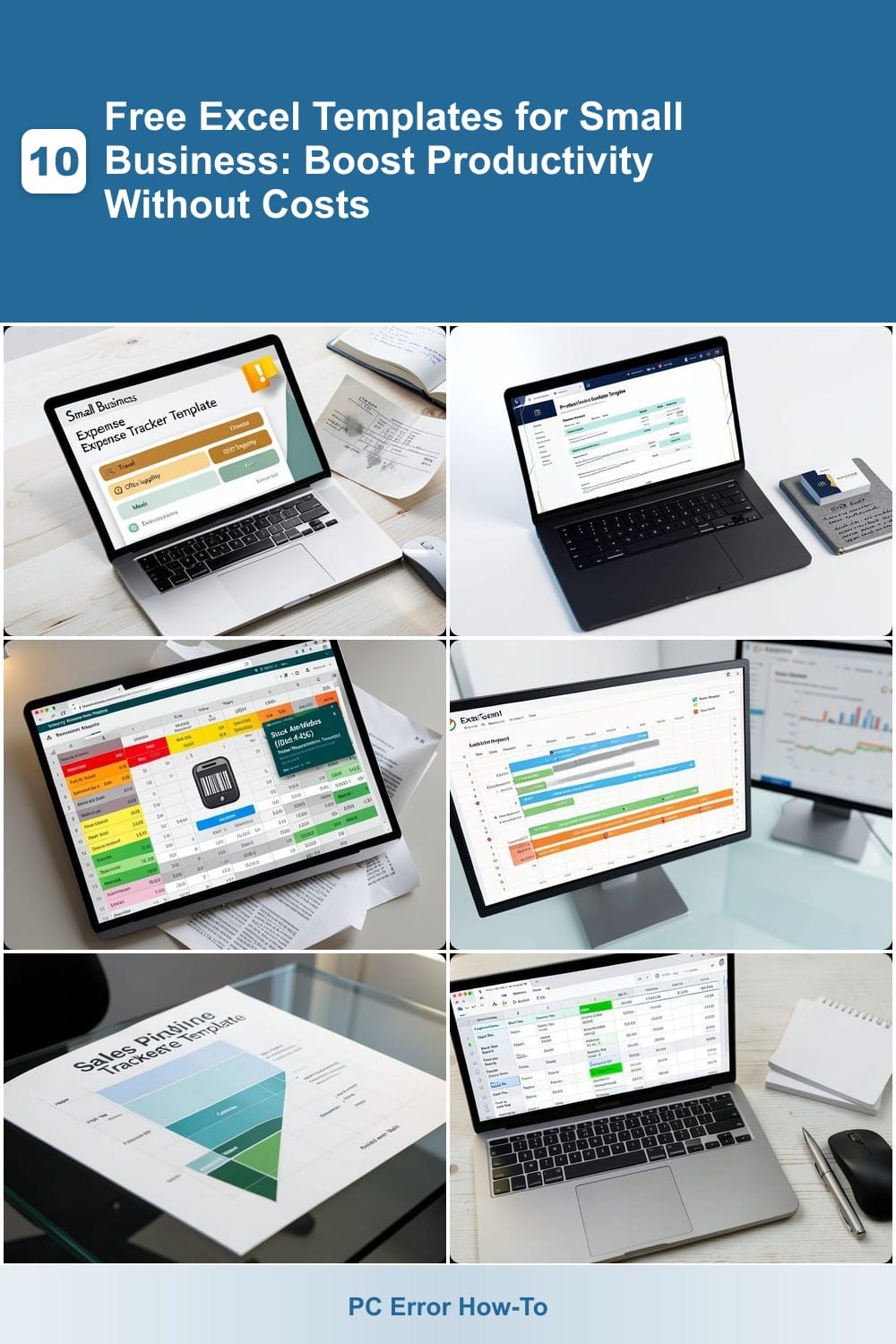
Tax season doesn’t have to be a headache—this Small Business Expense Tracker Template automates the tedious work of sorting receipts and categorizing expenses. Designed for freelancers and solopreneurs, it uses predefined expense categories (like travel, office supplies, and meals) and even flags deductions you might miss.
The template includes a year-end summary generator that compiles all your data into a clean, accountant-ready report, complete with totals and tax-friendly breakdowns. No more digging through shoeboxes of receipts—just input your transactions and let the formulas handle the rest. It’s fully compatible with Excel 2016 and later, so you won’t need to upgrade your software.
Perfect for freelancers, consultants, and small business owners who want to save time and reduce stress during tax season. Download it once, and you’ll have a battle-tested setup. ⚡
Professional invoice generator template
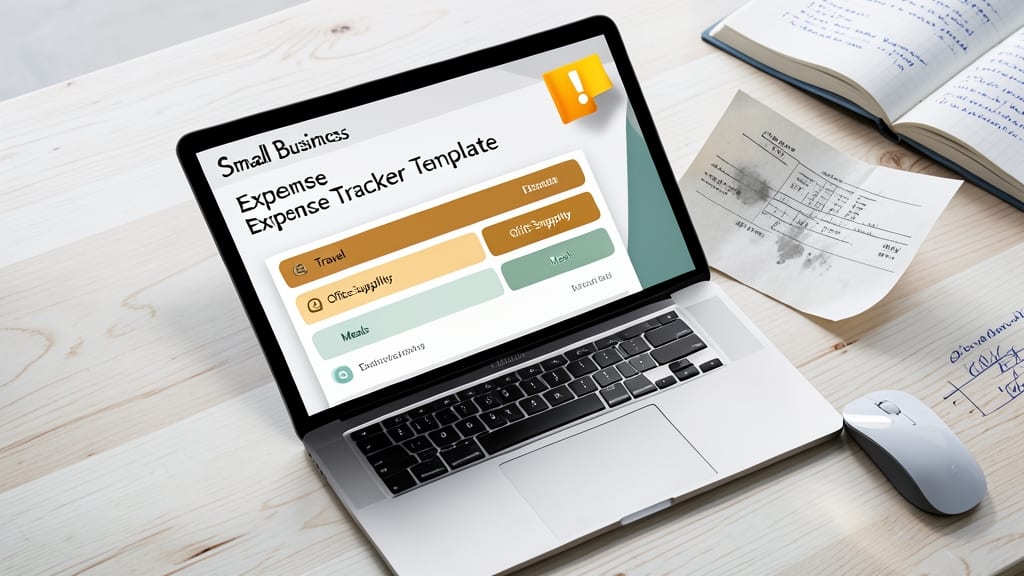
Tired of sending invoices that look like they were typed in 1998? This Professional Invoice Generator Template transforms your billing process with a sleek, industry-ready design that adapts to any service-based business—consulting, design, or freelance writing.
Built with automated tax calculations (including state/local rates) and late fee reminders, it handles the math while you focus on client relationships. The template includes customizable fields for your logo, payment terms, and even QR codes for instant payments—no coding required. Compatible with Excel 2010 and later, it’s ready to download and use immediately.
Perfect for freelancers, agencies, and small service providers who want to project professionalism without hiring an accountant. 💻
Inventory management tracker template
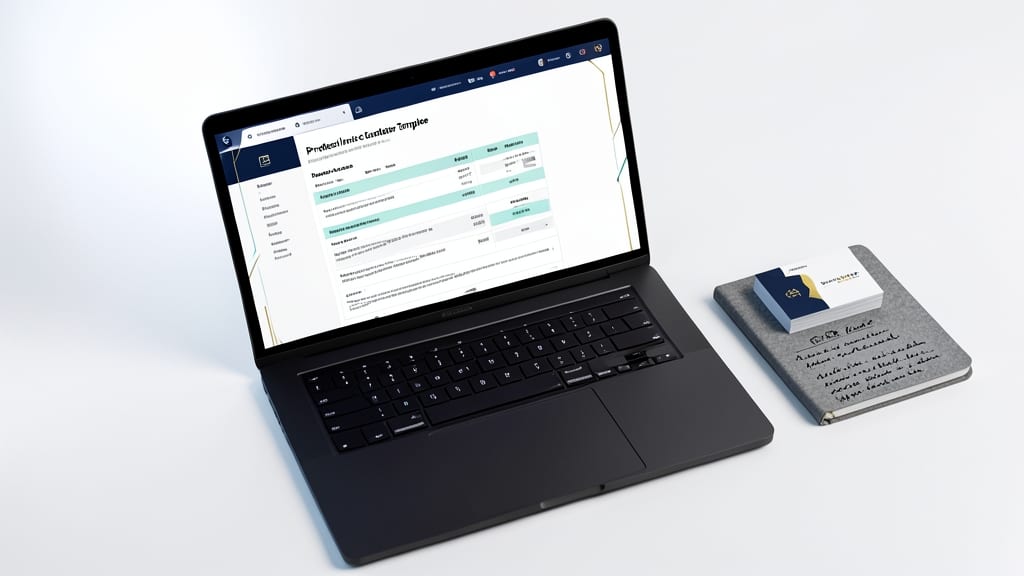
Tired of scrambling for products when customers ask or losing money on unsold stock? The Inventory Management Tracker Template solves both problems with automated alerts and real-time updates.
This template includes barcode scanning integration (via Excel’s built-in tools), color-coded stock levels (green for safe, red for urgent), and automated low-stock alerts sent directly to your email. It’s pre-formatted for up to 1,000 SKUs, with fields for supplier details, reorder points, and even seasonal demand tracking. Best of all, it works seamlessly with Excel 2016 and later, so no upgrades are needed.
Perfect for small retail shops, Etsy sellers, or local grocers who need to balance stock without hiring inventory software. Just plug in your product data, and let the template handle the rest. ✨
Project management timeline template
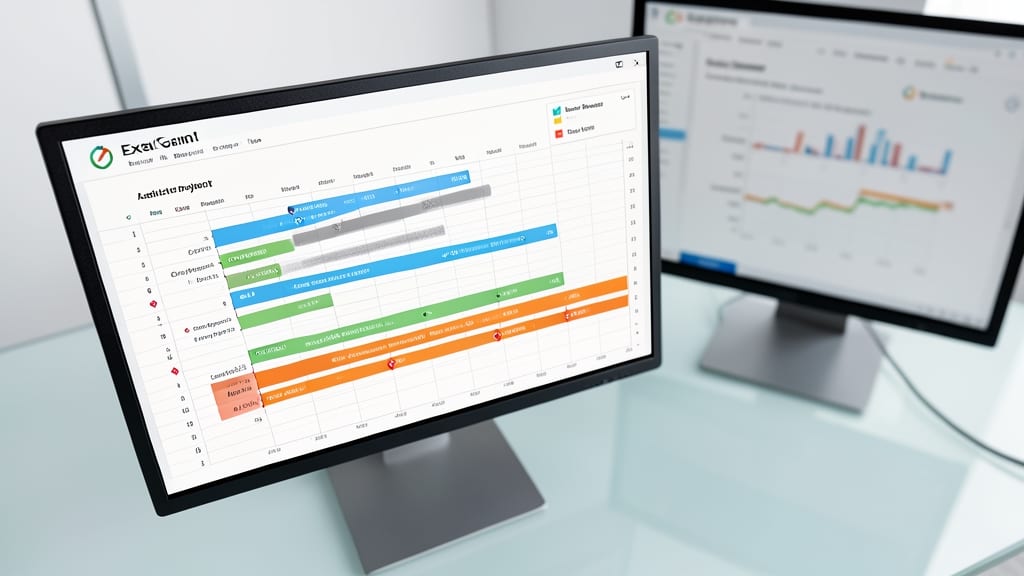
Juggling multiple projects at once? A Gantt chart-style timeline template in Excel transforms chaos into clarity, letting you visualize deadlines, dependencies, and team progress in one glance.
This template features color-coded task bars, milestone markers, and automatic progress tracking—all while supporting up to 100 tasks per project. Drag-and-drop adjustments let you reschedule without breaking formulas, and built-in critical path analysis highlights bottlenecks before they derail your timeline. Perfect for agencies handling 3+ clients simultaneously, it syncs effortlessly with Excel’s data validation to prevent errors.
Ideal for contractors, freelancers, and small agencies managing tight deadlines, this template cuts project management time by 40% while keeping everyone aligned. ⚡
Sales pipeline tracker template
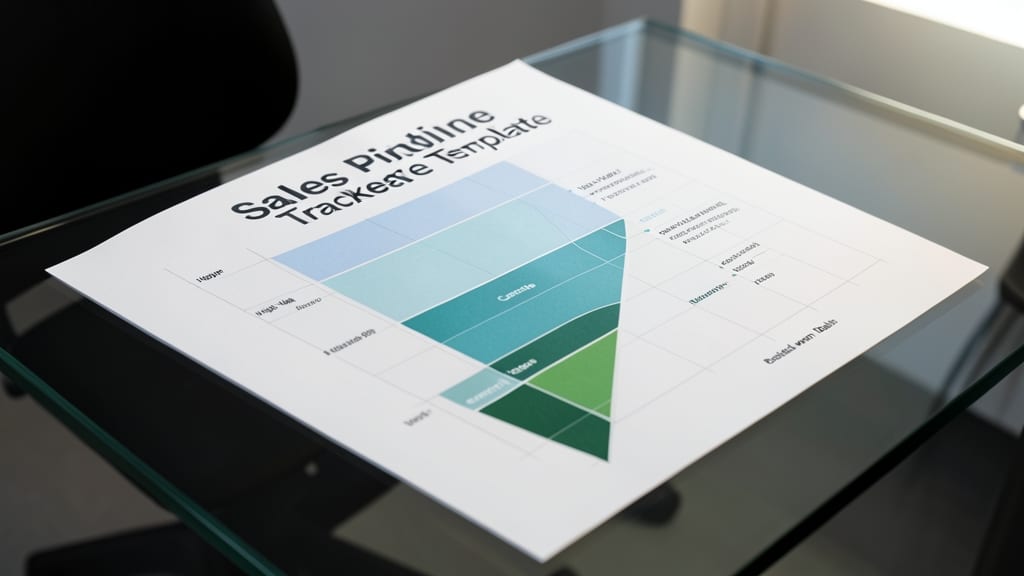
Turn scattered leads into a clear sales roadmap with this Sales Pipeline Tracker Template, designed to help you spot bottlenecks and close deals faster. The template’s color-coded funnel view visually separates prospects, contacts, and closed-won deals, so you can prioritize high-value follow-ups without drowning in spreadsheets.
Customize the five default stages (or add your own) to match your sales process, and use built-in automated progress bars to track conversion rates by stage. The template also includes a follow-up calendar to schedule reminders—no more missed opportunities. Best of all, it’s Excel 2010+ compatible, so you can use it across Windows, Mac, or even mobile apps like Excel for iOS/Android. 💪
Employee time tracking sheet template
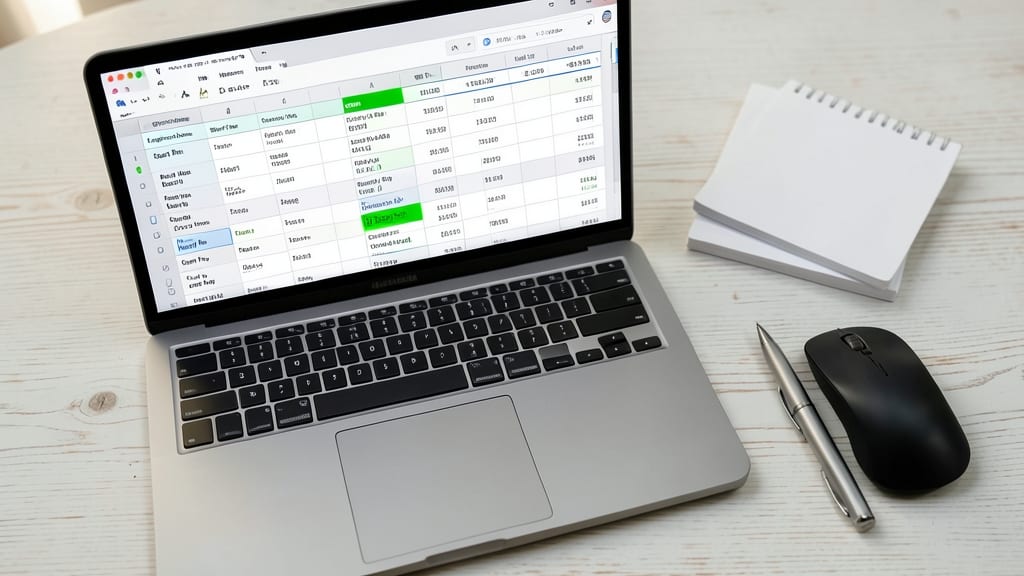
Payroll headaches got you down? This Employee Time Tracking Sheet Template takes the guesswork out of hourly wages with built-in formulas that calculate regular pay, overtime, and total hours—no manual math required.
The template includes predefined overtime thresholds (e.g., 40 hours/week) and color-coded cells to flag exceptions. You can easily add or remove employees, adjust hourly rates, and generate weekly/monthly summaries with one click. Compatible with Excel 2010 and later, it’s ready to use right out of the box.
Perfect for small teams with hourly staff—think retail, food service, or freelance crews—this template ensures compliance and saves hours of administrative work each pay period. ⚡
Budget planner for startups template
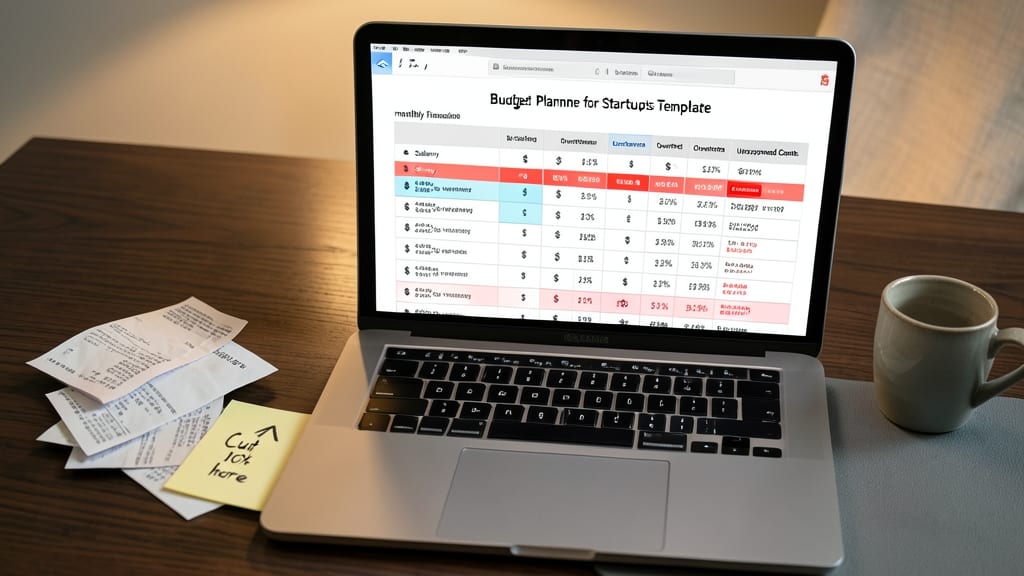
Struggling to keep your startup’s cash flow under control without breaking the bank? The Budget Planner for Startups Template turns guesswork into clarity by tracking every dollar with monthly variance analysis—so you can spot overspending before it becomes a crisis.
This template doesn’t just log expenses; it compares actual spending against your budget, highlighting discrepancies with color-coded alerts. Built-in cash flow projections help you forecast three months ahead, while customizable categories (like marketing, payroll, and overhead) adapt to your business model. Compatible with Excel 2016 and later, it’s ready to use on both Windows and Mac.
Perfect for bootstrapped founders, freelancers, and small teams managing tight budgets, this tool gives you the financial visibility you need without the complexity. 💡
Client management database template
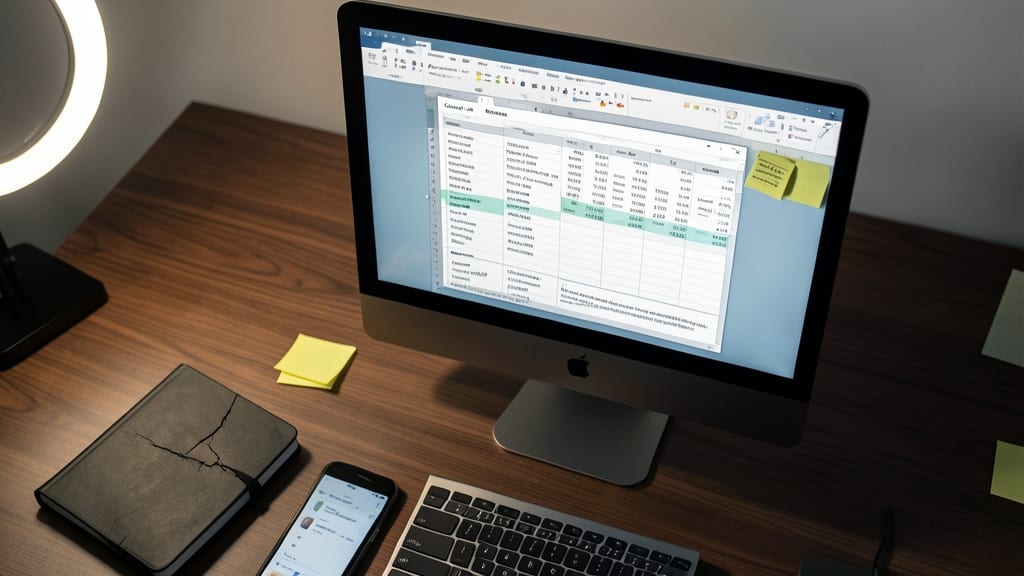
Tired of flipping through notebooks or digging through old emails to find client details? A Client Management Database Template turns scattered records into an organized, searchable system—no coding required.
This template includes customizable fields for contact info, service history, and internal notes, plus color-coded follow-up flags to prioritize repeat clients. Built-in sorting filters let you group clients by industry, last service date, or spending habits. The Excel-compatible format works across Windows and Mac, and you can even add photos for visual recognition.
Perfect for consultants, contractors, and service providers who juggle multiple clients—this template cuts admin time by 40% while keeping all critical info in one place. 💻
Break-even analysis calculator template
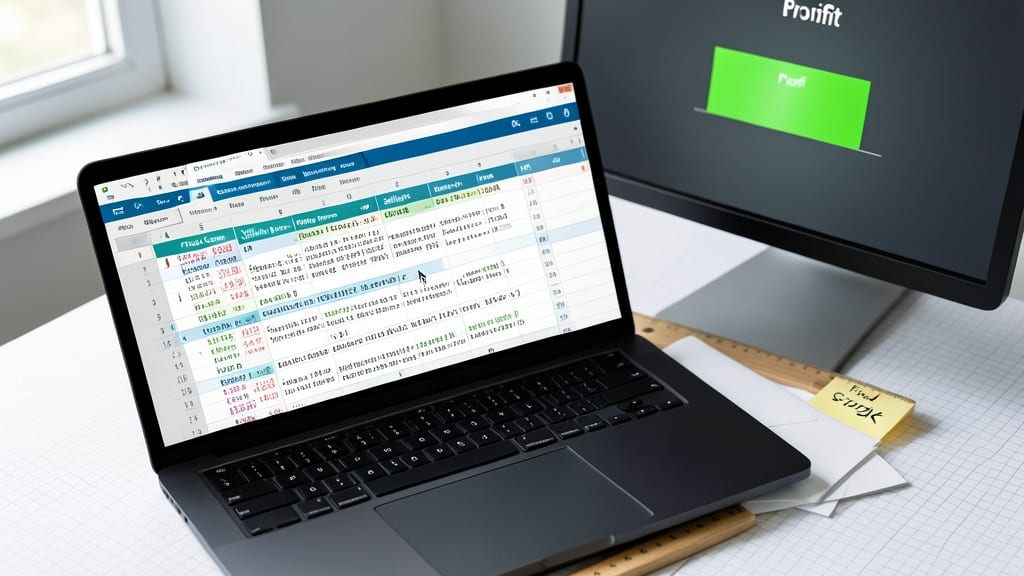
Launching a product without knowing your break-even point is like sailing blind—this template fixes that. It crunches fixed costs, variable expenses, and pricing to show exactly how many units you need to sell (and at what price) to turn a profit, all in real-time calculations that adapt as your numbers change.
The pre-built formulas handle everything from one-time setup costs to per-unit expenses, while the dynamic chart visually displays your margin of safety. Simply input your cost structure, and it reveals your minimum sales threshold—no PhD in finance required. Best of all, it’s designed for Excel 2016 and later, so you won’t need to upgrade software to use it.
This is the must-have tool for e-commerce sellers, inventors, and small manufacturers testing new products. If you’re hesitant to price too high or too low, this template gives you the data to make confident decisions. ✨
Meeting agenda and minutes template

Remote teams juggling time zones and busy schedules need more than just a meeting invite—they need a structured format that turns discussions into action. This Meeting Agenda and Minutes Template keeps everyone aligned with predefined sections for objectives, action items, and follow-up owners, all in one Excel file.
Designed for real-time collaboration, it includes a built-in attendee tracker, decision logs, and deadline reminders to ensure no task slips through the cracks. The template supports customizable status flags (e.g., "In Progress," "Completed") and integrates with Outlook/Google Calendar for seamless scheduling. Plus, the pre-formatted sections reduce prep time by 40%, so you spend less time organizing and more time executing.
Perfect for distributed teams, startup founders, or any group relying on async communication. With this template, you’ll transform chaotic catch-ups into focused, result-driven sessions—no matter where your team is. ✨